


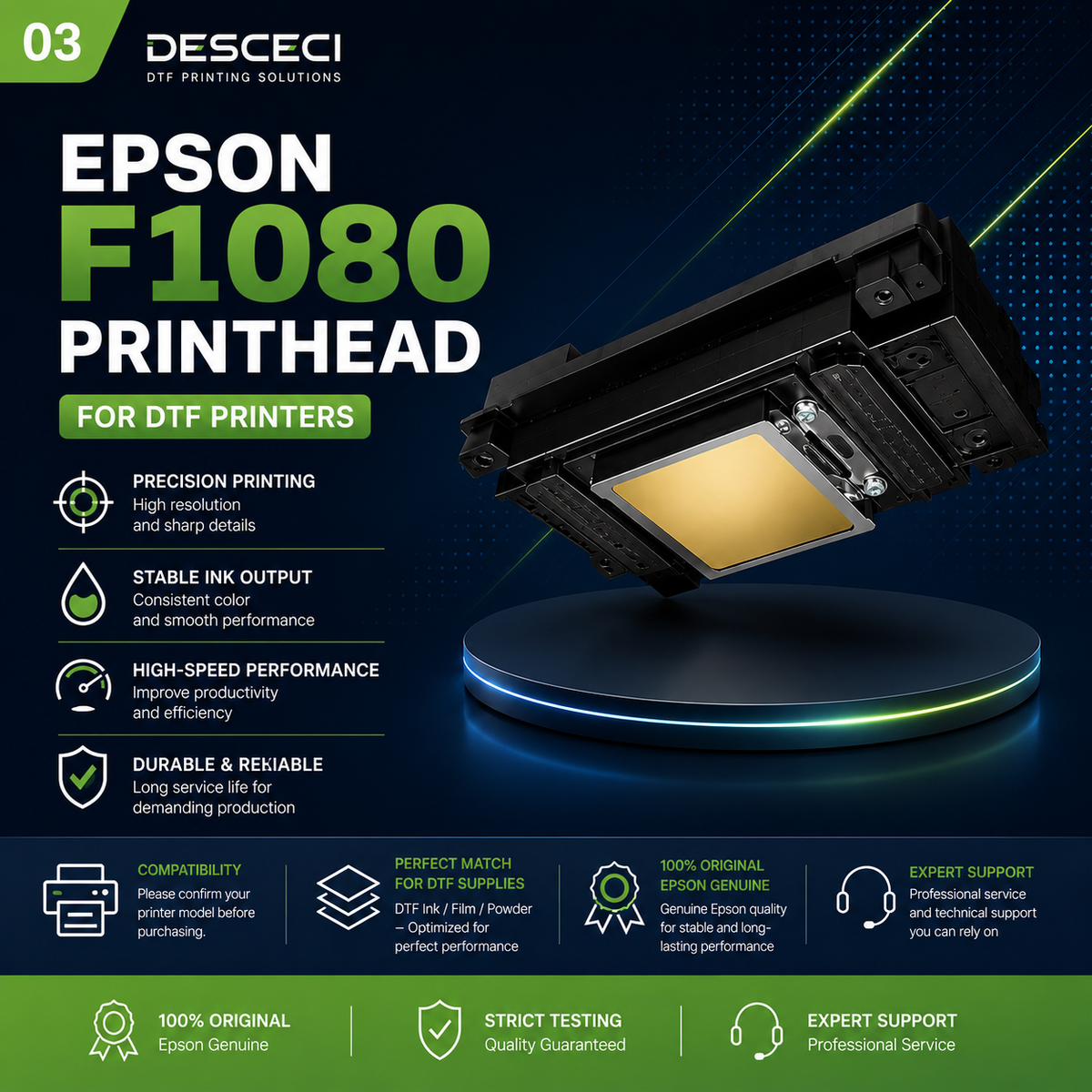
VERSATILE DTF PRINTHEAD
Epson F1080 / XP600 Printhead for Flexible DTF Printing
A compact six-channel printhead designed for versatile digital printing, smooth ink output, reliable performance, and flexible color configurations.
Precision Nozzles
Six nozzle rows provide smooth and consistent ink placement for everyday DTF printing applications.
Flexible Ink Configuration
Supports configurations of up to six ink colors at up to 180 dpi per color.
Compact Print Width
A compact 1-inch effective print width designed for space-efficient printing systems.
High-Frequency Jetting
Supports a maximum listed jetting frequency of 46 kHz in single-drop operation.
TECHNICAL DETAILS
Epson F1080 / XP600 Printhead Specifications
Review the key technical details before selecting this printhead for your DTF printer system.
| Printhead Model | F1080-A1 / XP600 |
|---|---|
| Ink Type | AQ Ink |
| Number of Nozzles | 1,080 |
| Nozzle Rows | 6 Rows |
| Maximum Ink Colors | Up to 6 Colors |
| Resolution | 180 dpi / 1 row; 360 dpi / 2 rows |
| Resolution Per Color | Up to 180 dpi per color configuration |
| Effective Print Width | 25.4 mm |
| Dimensions | 84.9 × 57.2 × 42.8 mm |
| Weight | 60 g |
| Jetting Frequency | 46 kHz single / 11.52 kHz multi |
| Droplet Volume | 4.5 / 9 / 20 / 40 pl |
| Recommended Ink Viscosity | 3–5 mPa·s |
BEFORE YOU ORDER
Confirm Compatibility Before Installation
A similar-looking printhead does not always mean it is compatible. Please verify the complete printer configuration before purchasing.
Check Your Printer Model
Confirm that your printer is designed for an F1080 or XP600 printhead before placing your order.
Verify Ink and Electronics
Confirm the ink type, connector, wiring, mainboard, control system, and electronic configuration.
Use Professional Installation
Proper wiring, flushing, priming, calibration, and nozzle testing are important for stable printhead performance.
Not Sure Which Printhead You Need?
Send us your printer model and current printhead information. Our team can help confirm compatibility before ordering.
CHOOSE THE RIGHT MODEL
I3200 vs I1600 vs XP600 Printheads
Compare the three common printhead options based on production level, printer configuration, and intended use.
| Comparison | I3200-A1 High Production | I1600-A1 Balanced Choice | F1080 / XP600 Flexible Setup |
|---|---|---|---|
| Best For | Professional and high-volume DTF production | Small to medium DTF production | Compact and flexible printing systems |
| Nozzle Configuration | 3,200 nozzles / 8 rows | 1,600 nozzles / 4 rows | 1,080 nozzles / 6 rows |
| Main Advantage | High production capability | Balanced quality, size, and cost | Six-channel flexibility and compact design |
| Ink Configuration | Up to 4 colors | Up to 4 colors | Up to 6 colors |
| Recommended User | Print shops and growing apparel businesses | Small businesses and regular DTF users | Users with compatible XP600/F1080 systems |
| Important Reminder | Requires a compatible I3200 printer system | Requires a compatible I1600 printer system | Requires a compatible F1080/XP600 printer system |
INSTALLATION & CARE
Protect Your Printhead Performance
Proper preparation and regular maintenance help support stable ink flow, reliable printing, and longer printhead service life.
Flush the Ink System
Flush incompatible or dried ink from the ink path before installing the new printhead.
Check Wiring Carefully
Confirm connector direction and wiring configuration before powering on the printer.
Prime and Calibrate
Complete priming, nozzle checks, alignment, and calibration before starting production printing.
Keep the Nozzle Surface Clean
Follow the printer manufacturer’s cleaning procedure and prevent ink from drying on the nozzle surface.
F1080 / XP600 SUPPORT
Frequently Asked Questions
Answers to common questions about the F1080/XP600 printhead, compatibility, installation, and maintenance.
What is the F1080/XP600 printhead best used for?
It is suitable for compatible compact and flexible digital printing systems, including DTF applications that support the F1080 or XP600 configuration.
How many nozzles does the F1080/XP600 printhead have?
The printhead has 1,080 nozzles arranged across six nozzle rows.
How many ink colors can it support?
The product specifications support configurations of up to six ink colors, with up to 180 dpi per color depending on the printer configuration.
Is this printhead compatible with every XP600 printer?
No. Compatibility depends on the exact printer model, mainboard, wiring, connector, firmware, ink system, and electronic configuration.
Can I replace an I1600 or I3200 with this printhead?
No. I3200, I1600, and F1080/XP600 systems are different printhead configurations. Please confirm compatibility before replacing a printhead.
What information should I send for compatibility confirmation?
Please send your printer brand and model, current printhead model, ink type, connector information, and clear photos of the printhead and wiring connection.
READY TO REPLACE YOUR PRINTHEAD?
Choose the Right F1080 / XP600 Printhead
Not sure whether this printhead matches your printer? Send us your printer information and our team will help confirm the correct configuration before ordering.